<img height="1" width="1" style="display:none" src="https://www.facebook.com/tr?id=711191246012686&amp;ev=PageView&amp;noscript=1">

Take contactless payment with only an iPhone

With Tap to Pay on iPhone and the Clover Go app, you can accept all types of in-person, contactless payments right on your iPhone.

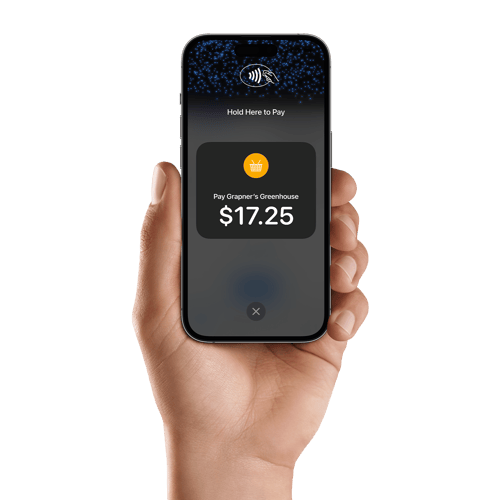
A hand holding an iPhone 14 Pro, ready to accept payment

Get started in a few simple steps

  1. Sign up for a Clover Account
  2. Download the Clover Go app
  3. Enable Tap to Pay on iPhone, then add an item or key in an amount
  1. The customer holds their contactless payment method to the top of your iPhone
  2. When you see the "Done" checkmark, the transaction is complete

Sign up for a Clover Account to get started.

No Additional Hardware

All you need is your iPhone.

Built-in Security

Uses the built-in features of iPhone to help keep your business and customer data private and secure.

Contactless Ready

Accept all contactless payments — from debit and credit cards, Apple Pay, and other digital wallets.

Easy to Use

Download the Clover Go app to get started.

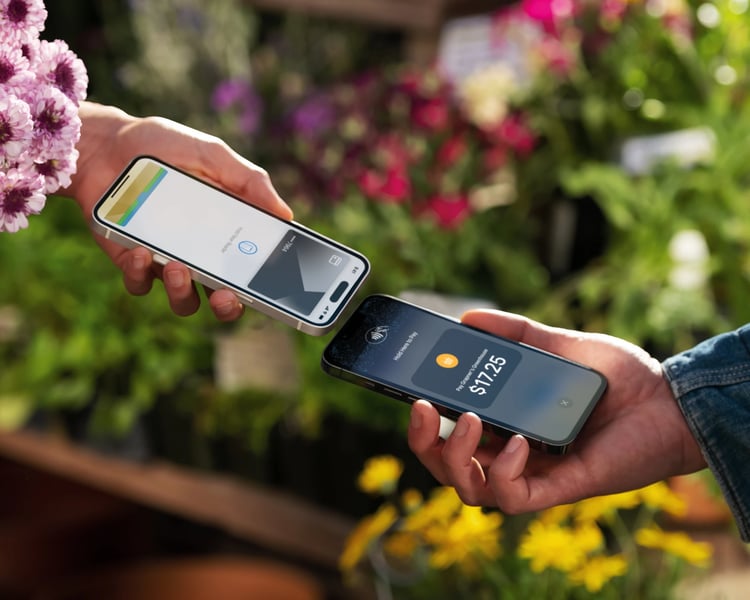
Florist accepting a customer’s contactless payment using Tap to Pay on iPhone

Sell on the go

All you need is an iPhone, the Clover Go app, and an internet connection to get started.

Generic_Card_iPhone_13_Pro_Tap-to-Pay-on-iPhone_4x5

Privacy and security built-in

Tap to Pay on iPhone uses the built-in features of iPhone to keep your business and your customer data private and secure. When a payment is processed, Apple does not store card numbers on the device or on Apple servers, so you can rest assured knowing your business stays yours.

Privacy and security built-in

Tap to Pay on iPhone uses the built-in features of iPhone to keep your business and your customer data private and secure. When a payment is processed, Apple does not store card numbers on the device or on Apple servers, so you can rest assured knowing your business stays yours.
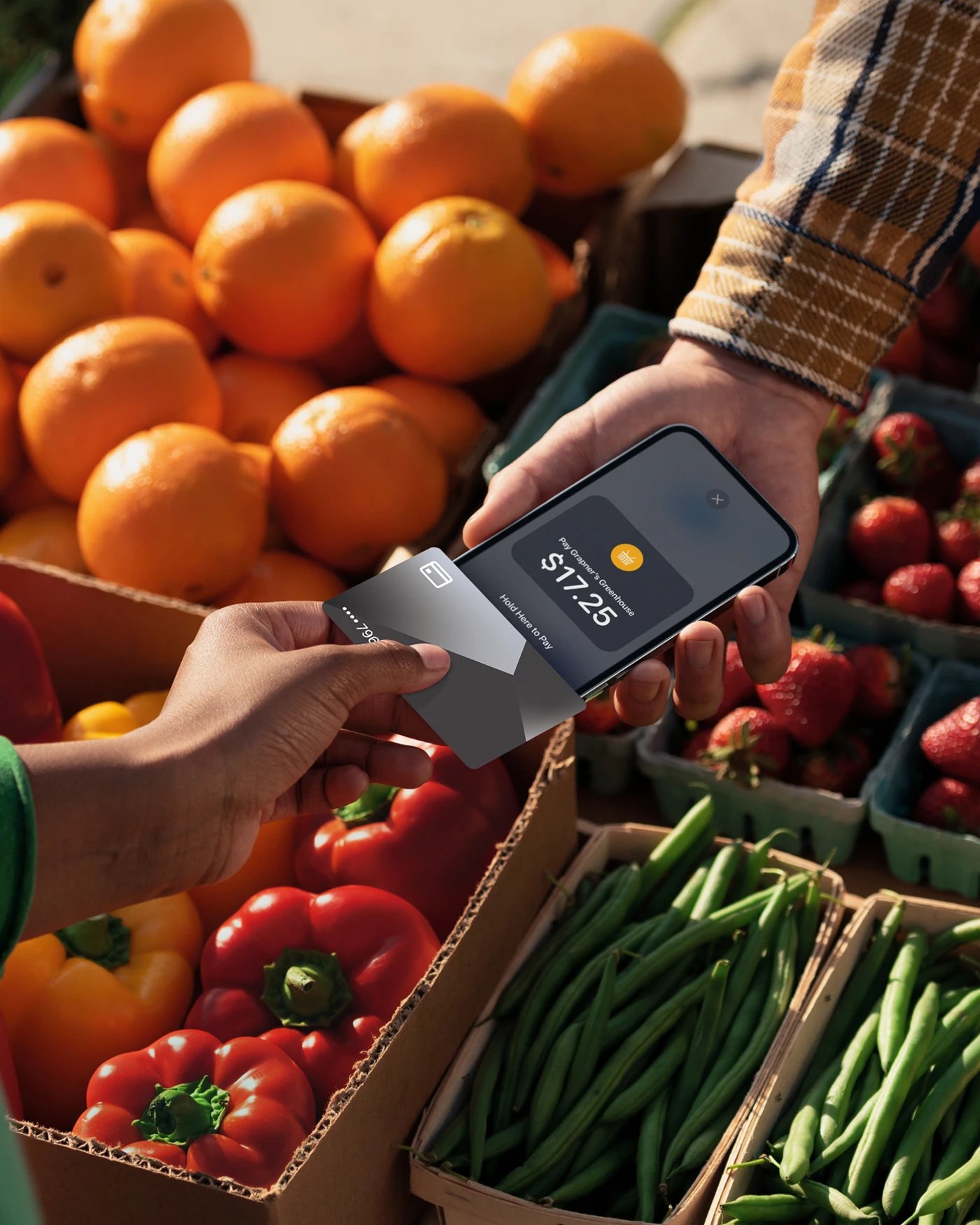
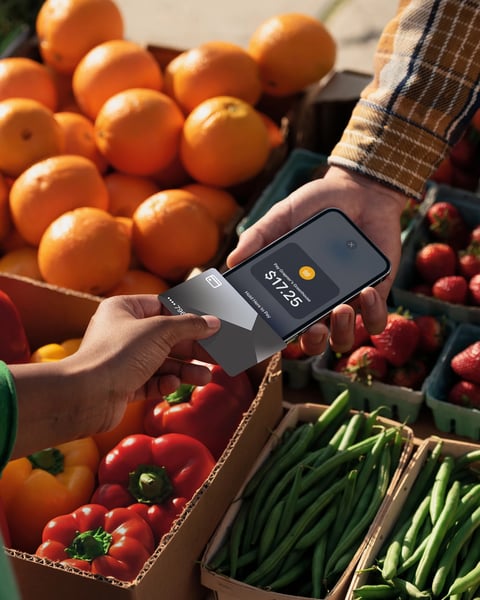
Merchant accepting a customer’s contactless payment using Tap to Pay on iPhone

Tap to Pay on iPhone works for all types of business

Roadside assistance mechanic standing over a customer's car

Roadside Assistance

Locksmith at customer's door

Locksmith

Landscaper in front of a customer's house

Landscaping

Frequently asked questions

What type of contactless payment methods can a merchant accept with Tap to Pay on iPhone?

A merchant can accept contactless credit and debit cards, Apple Pay, and other digital wallets.

Who can use Tap to Pay on iPhone?

Any business that wishes to accept in-person contactless payments is able to use Tap to Pay on iPhone by downloading the Clover Go app on the Apple App Store.

Can Tap to Pay on iPhone be used alongside a merchant's existing POS solution?

Yes, Tap to Pay on iPhone can be used in addition to a merchant’s existing POS solution for in-store mobile payment acceptance.

Does Tap to Pay on iPhone work on other devices, such as iPad?

Merchants are only able to use iPhone to accept payments with Tap to Pay on iPhone.

Which iPhones and operating systems are compatible?

Tap to Pay on iPhone is supported on iPhones XS and later, and runs on iOS 16 and above.

Does Tap to Pay on iPhone support PIN?

PIN is not currently supported.

Does using Tap to Pay on iPhone affect the battery life of iPhone?

Tap to Pay on iPhone does not have a noticeable impact on battery life.

Graphic of white lines on purple background

Ready to boost your business? Let's talk.