
+ Payments
Do it all with Clover.
Our integrated software and hardware help you streamline all of your everyday tasks. That means you get to focus your time and energy on building your business and providing the great services your customers love.
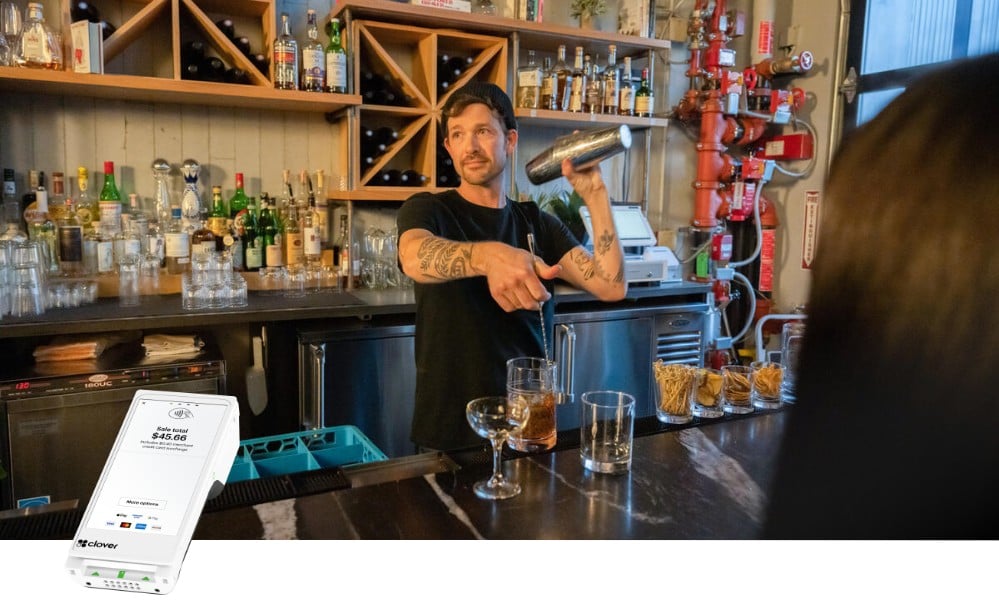
Get a $450 statement credit when you buy Station, Mini or Flex*
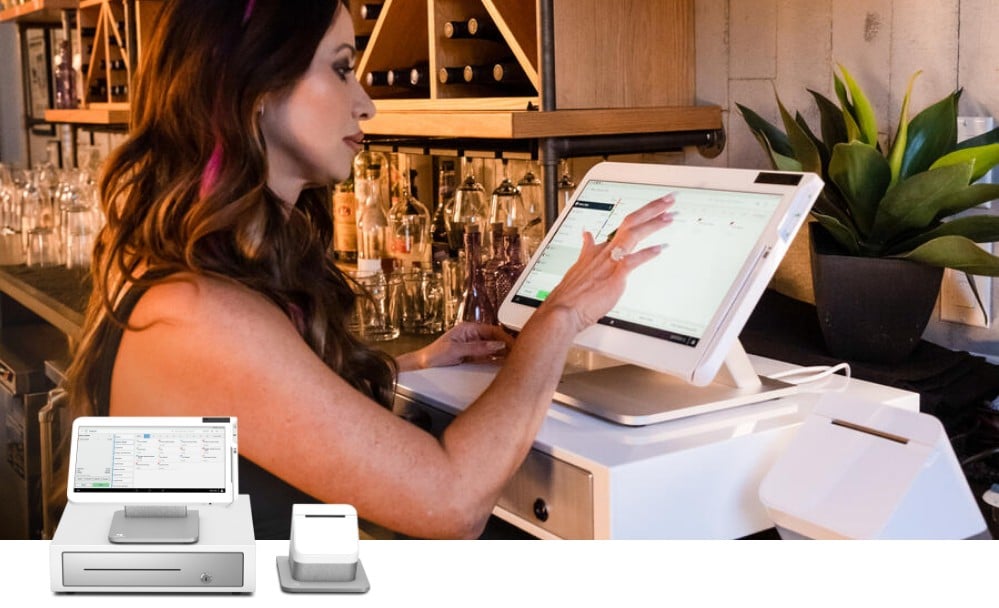
Competitive transaction rates and top-of-the-line technology. We do that.
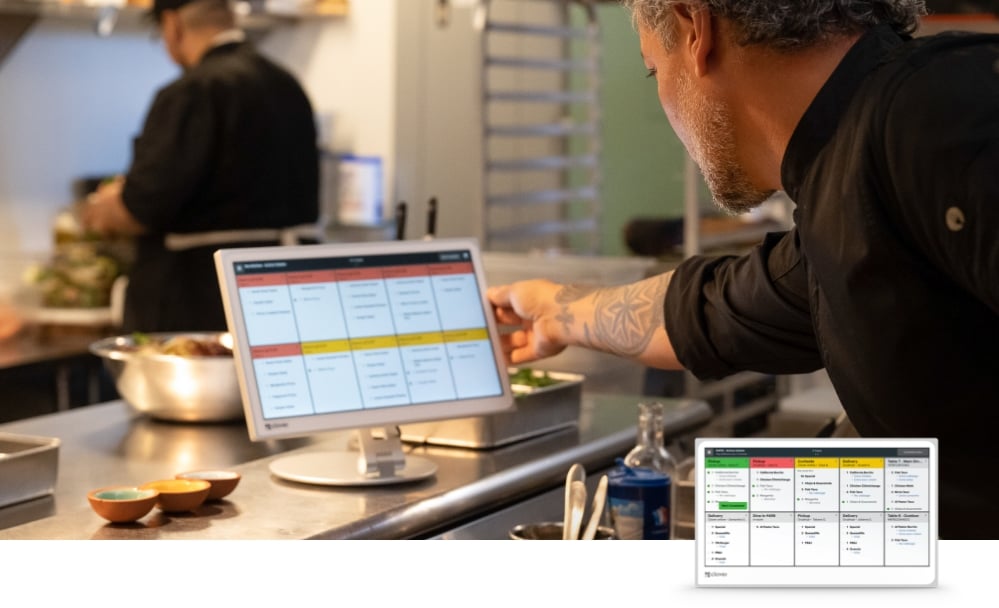
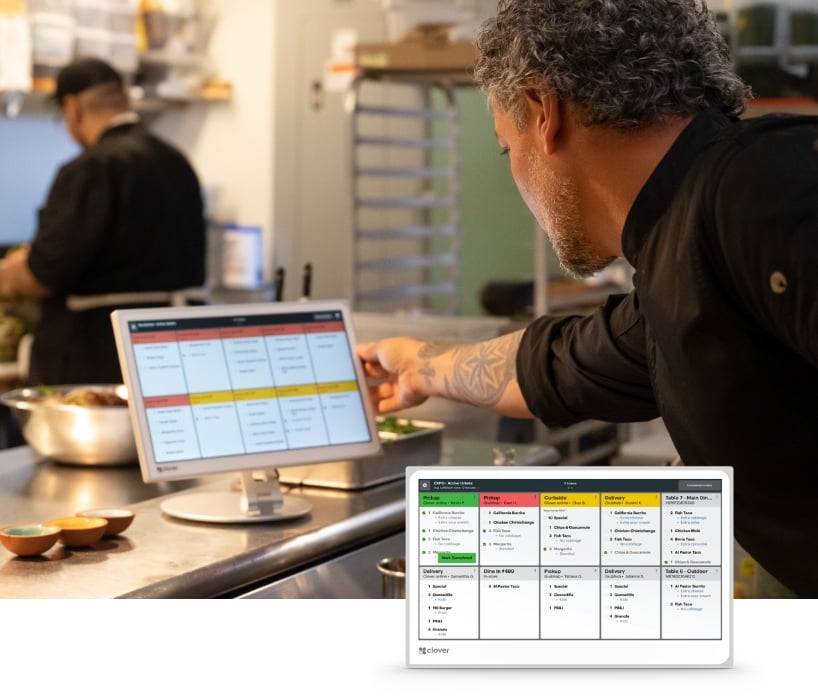
Start taking payments and improving your business today on your laptop or mobile device.
What your business can do with Clover
What your business can do with Clover
MAP YOUR TABLES
Keep things running smoothly. Build your floor plan to manage guest orders and ticket times by table.
HELP SERVERS SHINE
Create menu items, categories and revenue classes that help servers accurately place orders and increase check sizes.
CATER TO GUESTS
Customize orders with modifiers like “extra cheese” or “sauce on the side” while linking the right orders to the right guests.
DELIVER SEAMLESS SERVICE
Course out orders and fire when desired, or fire together and let the kitchen pace the meal.
SELL MORE ONLINE
Integrations, like Grubhub, help you show up in more places and take more orders. Plus, Clover Online Ordering is included FREE with your Table Service plan.
KEEP THE BAR HUMMING
Credit and debit card pre-authorization with a bar POS simplifies operations and improves the guest experience.
A solution for every kind of business? Clover does that.
FIND YOUR SOLUTION
SEE WHAT WE'VE BUILT FOR YOU
Get started with Clover today
Need help choosing the right solution for your business? Request more info from the Clover team to get started.
*By providing your information above, you consent to our contact policy
Get a $450 statement credit when you buy Station, Mini or Flex*
Point of sale systems that work as hard as you
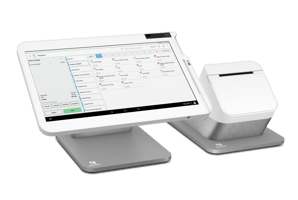
Station Solo
Payments, reporting, employee management & more – the 14” HD touch screen makes work fast & easy.
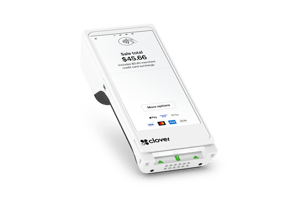
Flex
Flex is the mobile, handheld POS that will help you run your business, wherever you do business.
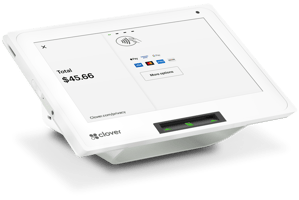
Mini
A full POS system, with enough power to run your business, in a sleek package – perfect for the bar or host stand.


Station Duo
Keep lines moving with a 14" screen for you and a 7" screen for your guests to pay, leave tips, and more.
Expert consultants to help your business thrive.
Setup specialists
are ready to help
Clover is easy to self-install, but we also offer free hands-on or remote setup assistance.
A trusted
business advisor
Our consultants help you make the most of apps and tools suited to your business.
Free 24/7
live support
Get help however you need it—online, by phone, or in person.

Free WEbinar On-Demand
Digital Marketing 101 for Business Owners
Learn how to generate more traffic to your website, increase your ranking on Google, and keep customers coming back.

COMPARE |

CLOVER |

SQUARE |
| Processing fee per swipe, dip, or tap | Starting at 2.3% + 10¢ |
2.6% + 10¢ |
| Debit-card PIN transactions | ||
| Fingerprint security | ||
| 4G/LTE backup connectivity | ||
| Unlimited employee roles | Free | $35/location |
| Customer rewards program | Free | Start at $45/month |
| 24/7 customer support | ||
| World’s largest payment processor | ||
| Largest selection of apps | ||

AFFORDABLE PLANS
Our system is designed to help you manage your payments and so much more with affordable plans starting at just $14.95/month.

ACCESS ANYWHERE, ANYTIME
Our cloud-based POS system lets you track and manage your business anywhere, anytime.

BETTER TOOLS WITH A TAP
You know your business best. With Clover, you get access to a huge library of integrations and apps to help you run it better.
Build your Clover POS system
Choose your plan, device, and accessories in just a few steps

9 things to consider when choosing your POS system
1. What are the setup and transaction costs?
Yes, software and hardware come at a cost, but pay closest attention to the fees. Each POS system charges processing fees for in-person and online transactions. Put some thought into how much of each sale is going toward your system.
2. What are your hardware needs?
In addition to looking at the design and durability of your machines, make sure to think about the variety of hardware your services-based business needs to operate effectively. Does the system offer POS terminals, credit card readers, contactless options, and touch screens? Can you take mobile payments chair-side or at job sites for work on-the-go?
3. How will it support your business now, and as it grows?
Think of everything that running your business requires; then, ask if your POS software can help. Can it schedule appointments, track employee schedules, and generate cash-flow reports? The best tools for your business work as an extension of you, making your daily tasks easier.
4. How easy is it to learn and use?
You have a job. You don’t want to be a full-time POS-system troubleshooting expert. How easy is it to learn how to use the system? Does it help you be more efficient or does it complicate things even more? Is it built to work even if the Wi-Fi fails?
5. What type of payment methods do your customers prefer?
It’s often called a Point of Sale, but it’s really a Point of Taking Payments. How many different types of payment can your system accept? Can it take cash, debit, and credit cards? What about mobile-wallet payments? How about sending invoices and taking payments online?
6. Will it keep your business and customer data safe?
Your POS system doesn’t just protect your data, it also protects your customers’ personal information. Look for systems with reliable end-to-end encryption, integrated EMV chip sensors, and biometric security.
7. Do you need a cloud-based system?
If your system operates within the cloud, you can streamline and automate managerial tasks, install updates with ease, and access your data on any secure web or mobile platform, no matter where your work takes you.
8. Can you access the right data, quickly?
Quick, immediate access to your data can empower you to make critical business decisions in real time. A system that offers insights and analysis into that data can help you plan and execute effective growth strategies for your business.
9. Can you get help if you need it?
Your POS system—just like your business—should have a human component. Make sure that you’ll have live advice and support from a real person—whether you’re troubleshooting a problem or figuring out how to get the most from your equipment.
Resource Center for Restaurants
Clover's Resource Center is here for you — articles, data, tips & tricks, merchant stories and more to help your restaurant succeed.
9 things to consider when choosing your POS system
 Click through to see how you can leverage the power of Clover technology
Yes, software and hardware come at a cost, but pay closest attention to the fees. Each POS system charges processing fees for in-person and online transactions. Put some thought into how much of each sale is going toward your system.
In addition to looking at the design and durability of your machines, make sure to think about the variety of hardware your services-based business needs to operate effectively. Does the system offer POS terminals, credit card readers, contactless options, and touch screens? Can you take mobile payments chair-side or at job sites for work on-the-go?
Think of everything that running your business requires; then, ask if your POS software can help. Can it schedule appointments, track employee schedules, and generate cash-flow reports? The best tools for your business work as an extension of you, making your daily tasks easier.
You have a job. You don’t want to be a full-time POS-system troubleshooting expert. How easy is it to learn how to use the system? Does it help you be more efficient or does it complicate things even more? Is it built to work even if the Wi-Fi fails?
It’s often called a Point of Sale, but it’s really a Point of Taking Payments. How many different types of payment can your system accept? Can it take cash, debit, and credit cards? What about mobile-wallet payments? How about sending invoices and taking payments online?
Your POS system doesn’t just protect your data, it also protects your customers’ personal information. Look for systems with reliable end-to-end encryption, integrated EMV chip sensors, and biometric security.
If your system operates within the cloud, you can streamline and automate managerial tasks, install updates with ease, and access your data on any secure web or mobile platform, no matter where your work takes you.
Quick, immediate access to your data can empower you to make critical business decisions in real time. A system that offers insights and analysis into that data can help you plan and execute effective growth strategies for your business.
Your POS system—just like your business—should have a human component. Make sure that you’ll have live advice and support from a real person—whether you’re troubleshooting a problem or figuring out how to get the most from your equipment.